Bureau Foundations Free download for Mac
A word processor that keeps your documents yours.
Write, edit and exchange documents in Word and OpenDocument formats, on your own computer. Free to download for Mac. No account.
Version 0.20.1 for Macs with Apple silicon. How to install.
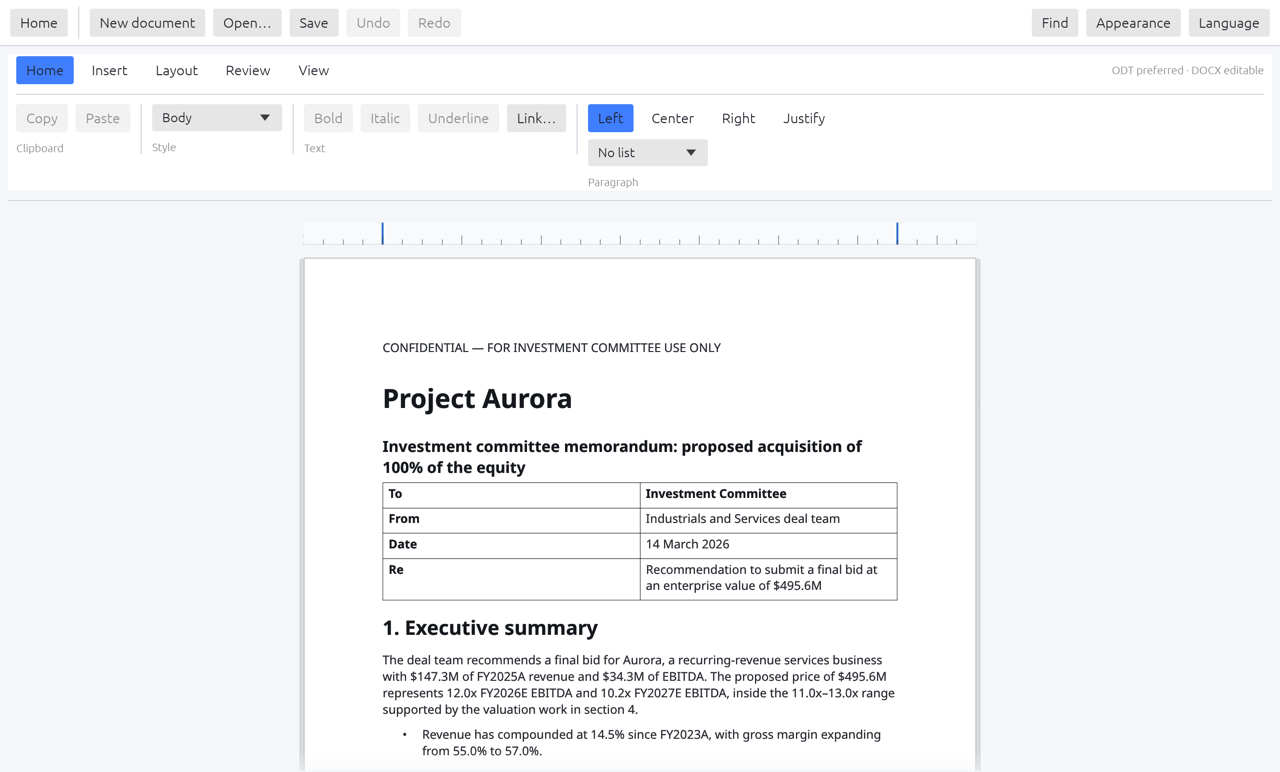
- Opens and saves .docx and .odt
- Exports PDF, Markdown and text
- Files stay on your Mac
- No account
Everything a document needs.
Word and OpenDocument
Open and save .docx and .odt files, and open Markdown and plain text.
Tables, pictures and links
Insert and edit them, and they come through in Word.
Find and replace
Search a whole document and replace what you find.
Export
Export to PDF, Markdown or plain text.
Inuktitut syllabics
Type in Inuktitut syllabics using the built-in input.
Private by design
Your documents never leave your computer.
Download
Free to download and use. Check the file against its fingerprint if you like.
Bureau Writer Standard
Standard is the free edition of Bureau Writer. Download it, drag it to Applications, and start writing.
- Free, with no account
- Works offline
- Opens the files you already have
Bureau Writer 0.20.1
- Version
- 0.20.1
- Platform
- macOS 11 or later, Apple silicon
- File
- Bureau-Writer-0.20.1-macOS-arm64.dmg
- Size
- 22.8 MB (22,770,649 bytes)
- SHA-256
- bb089a5ea82b2ec66d539d52125126f2e31ed3602cd8bae87bc47839a54f64d3
- Opens
- .odt .docx .md .txt
- Saves
- .odt .docx; exports PDF, Markdown, plain text
What it contacts
| What | Where it goes |
|---|---|
| Your documents | Nowhere. They are files on your computer. |
| Updates | One check a day for a newer version. It sends the app’s name and version and your platform, with no content and no account. Switch it off in About. |
| Everything else | Nothing. No accounts, no cloud, no telemetry. |
Questions
Do I need an account?
No. There is nothing to sign up for and nothing to sign in to.
Why does my Mac warn me when I open it?
The download is not yet signed with an Apple Developer ID, so macOS asks you to confirm it. The install guide shows the steps.
Does it phone home?
It checks once a day for a newer version and tells you if one exists. It never downloads or installs anything itself, and you can turn the check off. Read the privacy policy.
Is there a Windows version?
Bureau Foundations is built for macOS and Windows. Ask us about the current availability.
Bring Writer to your whole team.
Volume licences, key management and support come through Business Clients.